


Well, I survived another tax year. While this year wasn’t as bad as last time, it still came with some unwelcome surprises and complications. Plus, along the way, I ended up spending time using three different DIY tax prep services. In doing so, I learned that there’s one I enjoyed using more than the others. Better yet, it’s one that’s free!
First, since I decided to resubscribe to QuickBooks for a month to manage my business deductions, I started my tax filing journey in TurboTax (as I’ve used plenty of times before). Yet, some things seemed off this time around. That includes some questions that just didn’t seem to make any sense — and ones I swear I hadn’t encountered before. After getting frustrated, I decided to try something else.
Next up was April. The platform ended up partnering with several services recently, but I opted to access it via my OnePay account. While things went well to start, I found myself getting annoyed with the workflow. Granted, that probably has more to do with my strange tax situation than the platform, but it just wasn’t working for me.
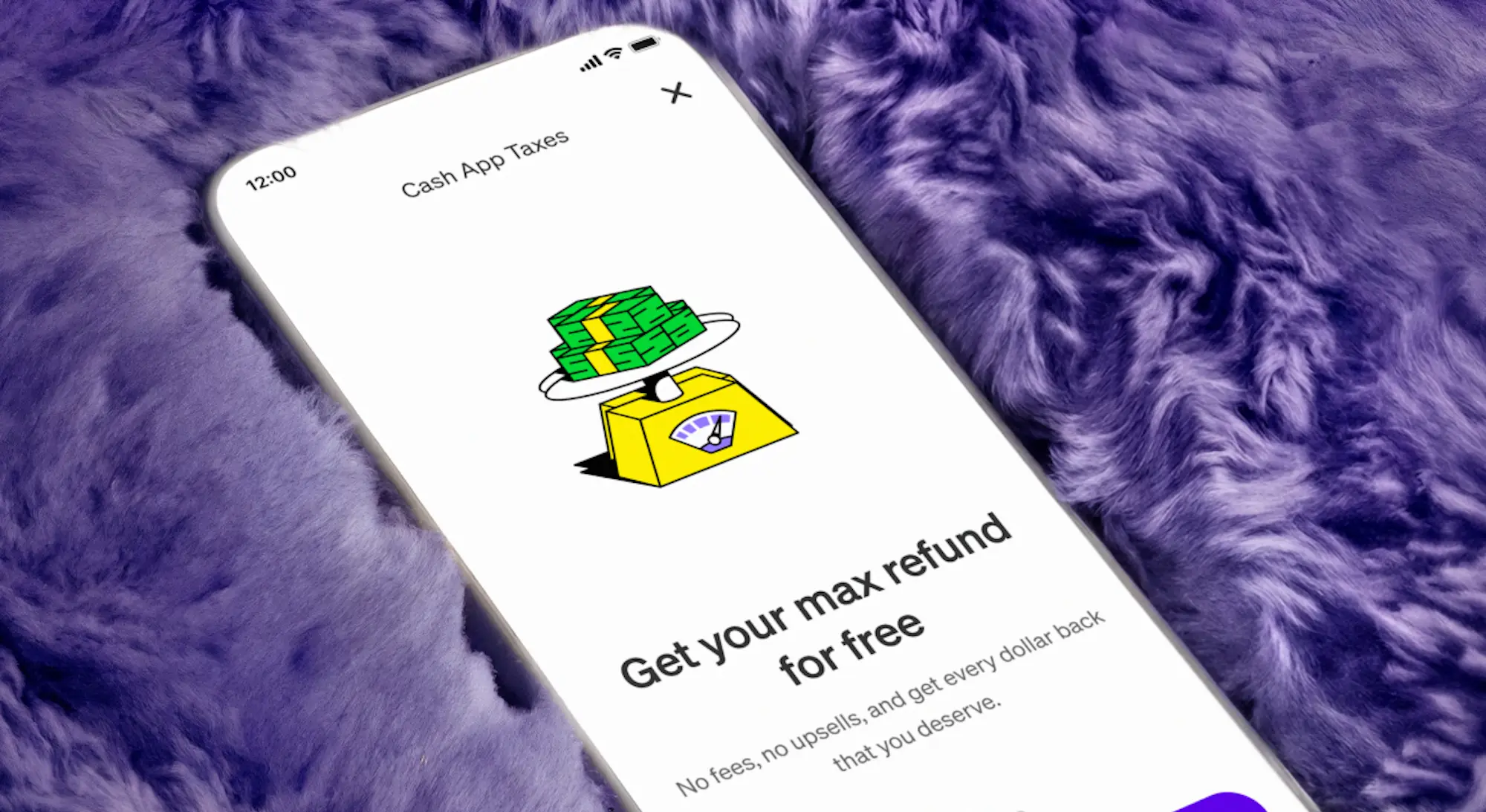
Finally, I landed on another free option: Cash App Tax. Previously, Credit Karma Tax before being sold to Cash App (basically a demand from the Department of Justice in order to allow Intuit to acquire Credit Karma), this was actually what I used to file last year. And yet, I apparently needed to be reminded as to why.
What I liked most about using Cash App Tax was that it was easy to navigate and get back to sections I’d “completed.” For example, while April wanted me to enter a W-2 and then move on to deductions, Cash App made it simple to say I wanted to add another income source. That was also the case when I wanted to calculate different retirement account contribution options — although this did still require going through several questions before returning to the main menu.
Even if Cash App Tax isn’t the most robust platform and may not even have as many resources and explainers as the likes of TurboTax, somehow, I found it to be the most usable of the three. Again, that may be because I’m an edge case, but I do appreciate how this platform is laid out. Plus, the fact that it’s 100% free is the icing on the cake.
Taxes are a pain. Luckily, we finally live in a time when there are completely free tools you can use to prepare your return and file for free. What’s more, as I learned from my most recent experience, sometimes these free options can have their advantages over the paid platforms! So, when Tax Day 2027 comes around, I’ll just be starting with Cash App Tax. #NotSponsored.