
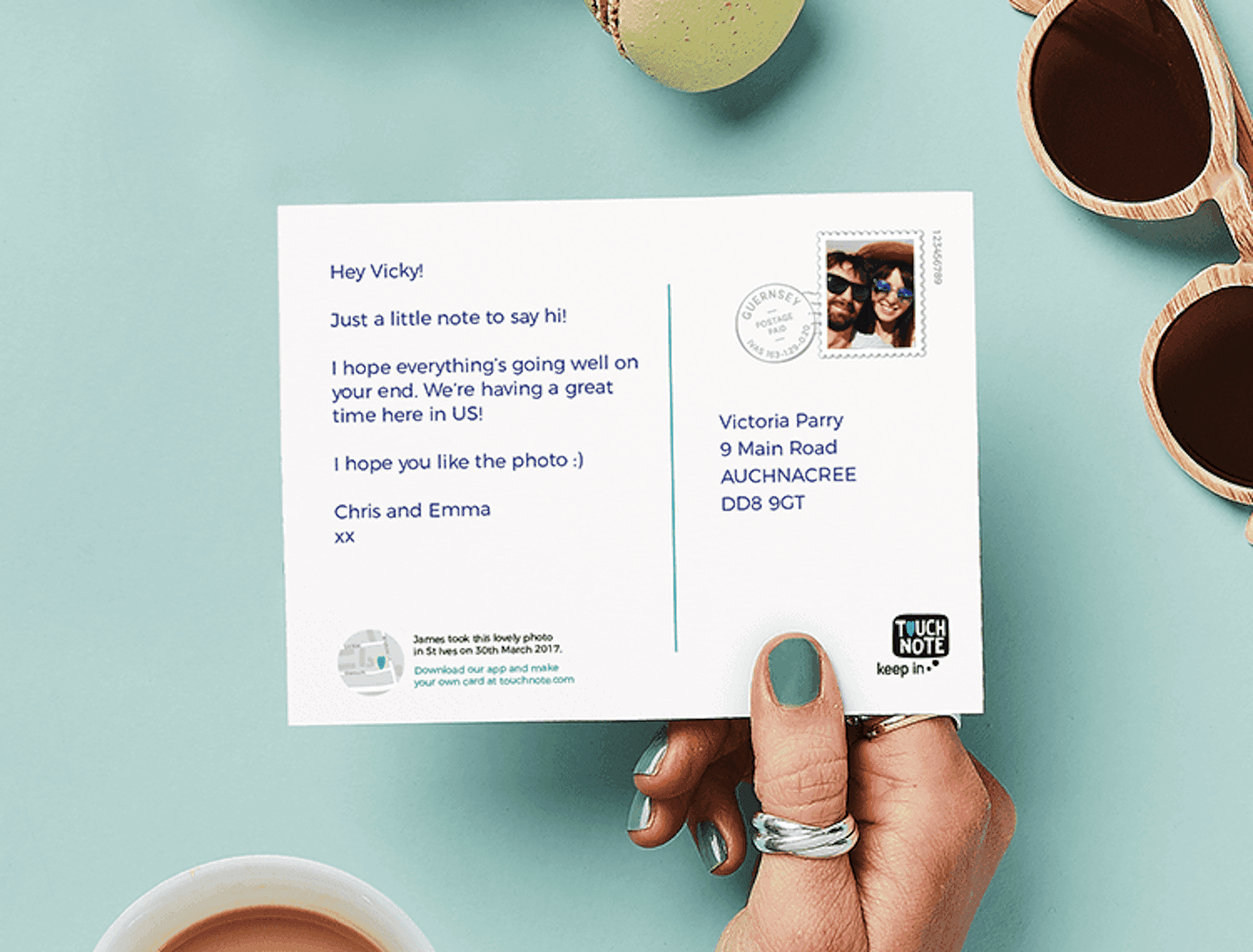


 For many of us, taking a trip near or far doesn’t just mean coming home with memories and photographs, it also means bringing souvenirs home for yourself and your friends. Unfortunately, in addition to taking up room in your suitcase, these tchotchke and other gifts can get expensive. That’s why we’ve started opting for more practical souvenirs on our travels — including good old fashioned postcards.
I’ve always liked the idea of postcards as something quaint and nostalgic, but sending them from overseas isn’t always so simple. Moreover, while there are certainly some nicely designed cards to be found, more often than not I’ve felt that most were kind of gaudy and unappealing. That’s why I was sold on TouchNote‘s premise to create a custom postcard using your own photos and have it mailed to your loved ones from their domestic location. After first becoming aware of the app (and then proceeding to see several commercials for it), I decided to download it in preparation for my recent trip to Hong Kong and had a chance to give it a try while I was there.
Using the TouchNote App
Designing my first postcard was actually a bit easier than I thought. I had half assumed that, to include multiple photos like I had intended, I needed to use a separate app to create a layout and then load that to TouchNote as a singular image. Instead, I was happy to learn that the app had several templates, borders, and more that you could utilize. Granted, there aren’t a ton of layouts to choose from, but you can easily zoom in and crop images to perfect the look of your card.
As for the backside of the card, there are a few more customization options here as well. For starters, you can, of course, write a personalized message. From there, you can pick from one of eight fonts for your message. Another fun touch is that you can add an image to occupy the space where the stamp would traditionally be — a feature I actually overlooked when sending my inaugural postcard. Last but not least, if you want to send your card sometime in the future, you can set that up as well. From the looks of it, you can elect to have your custom postcard mailed out as much as a year after the date you create it.
 Although I was happy with how my TouchNote card looked on my phone, the real test would be how it looked in person. Thankfully, I got to pay a visit to my recipient’s house a few days after returning from our trip, allowing me to see the postcard in person. Overall, I was pretty impressed with the quality, from the card stock used to the glossy finished employed. I will say that the photos didn’t look quite as vibrant as I had expected, but further inspection leads me to believe the foggy haze of Hong Kong captured in my photos was more to blame for that than TouchNote was.
Since this was my first time using TouchNote, I decided to just do the a la carte option. Because of this, at a cost of $2.99, the price to send my postcard was probably a bit higher than I’d encounter if I’d gone the traditional route. However, if you plan on using the app more frequently, there are packages you can purchase that’ll lower your per card price. For example, you can buy a pack of five credits for a total of $9.95 ($1.99 per card) or go all the way up to a 90 credit pack for $149.95 ($1.67 per card). Alternatively, they also have premium subscription plans that not only include varying numbers of free monthly postcards but also unlock additional features.
 Looking through the app again as I wrote this mini-review, I discovered that TouchNote also offers a referral program. So, if you want to try TouchNote for yourself, you can enter the code ‘KYLEHU’ — just go to the More tab in the app and select “Got a code?” That will entitle you to $5 off a pack of 10 credits or more… and I’ll get a couple of free credits as well. 🙂
Final Thoughts on TouchNote
Given my experience with TouchNote during my most recent travels, I can definitely see myself using it on future trips. Not only does the app give me the chance to get creative and snap my own postcard-worthy shots but also gives me an easy way to send my love back to the folks at home. Plus, truth be told, it saves me the hassle and expense of shopping for souvenirs while overseas. For all of those reasons, I’d say TouchNote is one app that’s definitely worth checking out.